
Why every company runs on Excel, and what it really costs
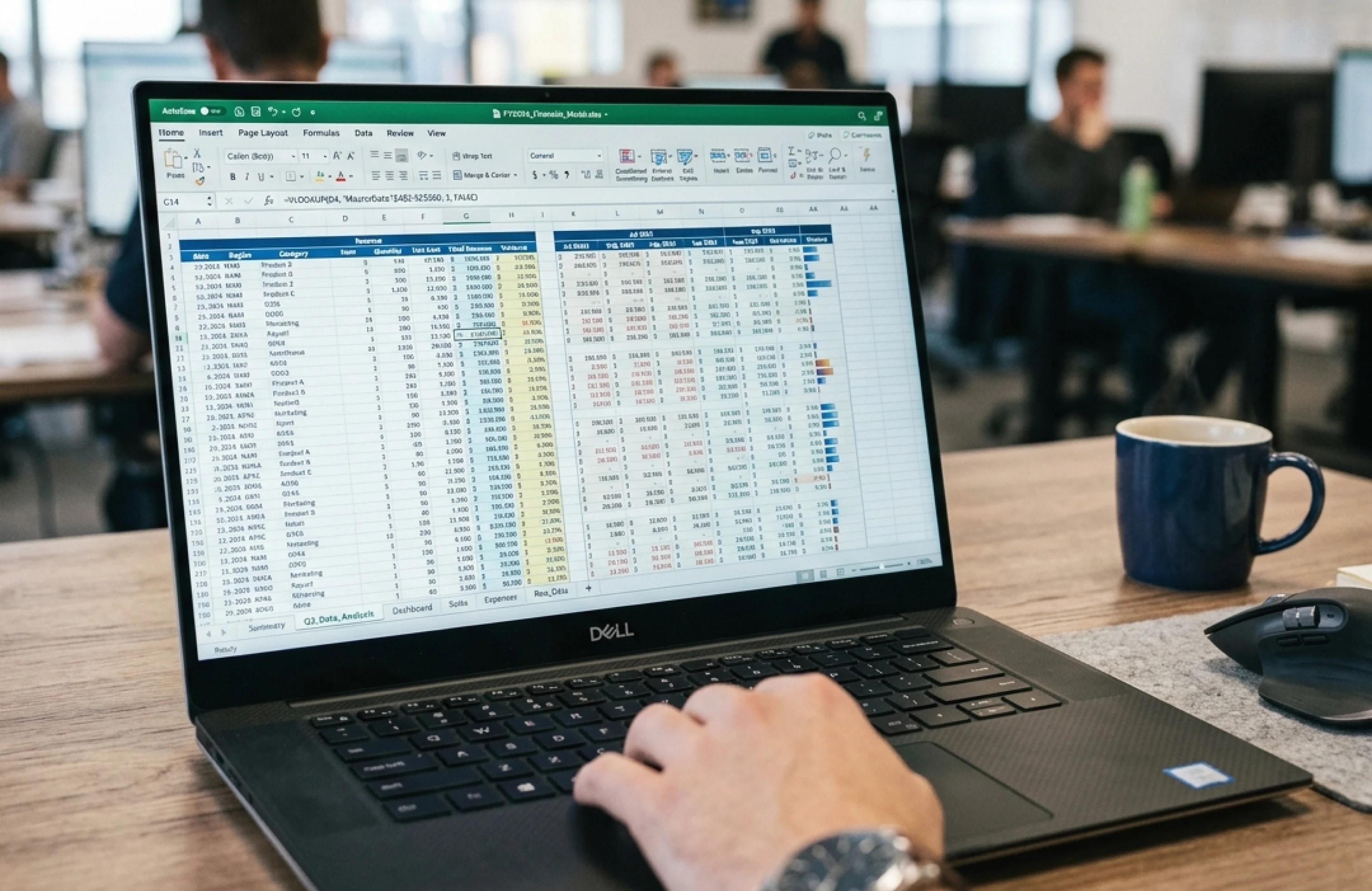
Almost every company has that one Excel file. Someone built it years ago. It has become the unofficial source for revenue figures, stock levels or project status. By now, half the firm opens it every day.
No surprise: Excel is one of the fastest tools for working with data. Paste an export, write a formula, done. Anyone who knows their way around can pull data from external sources or write a small script for the same few clicks. For trying things out, for a first feel of your own numbers, few tools are better.
The point where it tips
It does not go wrong on day one. It starts when “my file” becomes “our file”. And later “the file that three departments sit in at the same time”.
Now data arrives from several sources, and someone has to keep it consistent by hand. Access becomes a problem: you can share a whole file, but not individual rows in it. The person who is meant to maintain their department’s figures suddenly sees the managing director’s as well. Nobody is sure any more which of the twelve similarly named files is current, whether it lives locally or in the cloud, or whether this morning’s change landed in the right document. “Have you updated X, Y and Z yet, the boss needs the numbers” becomes a weekly ritual.
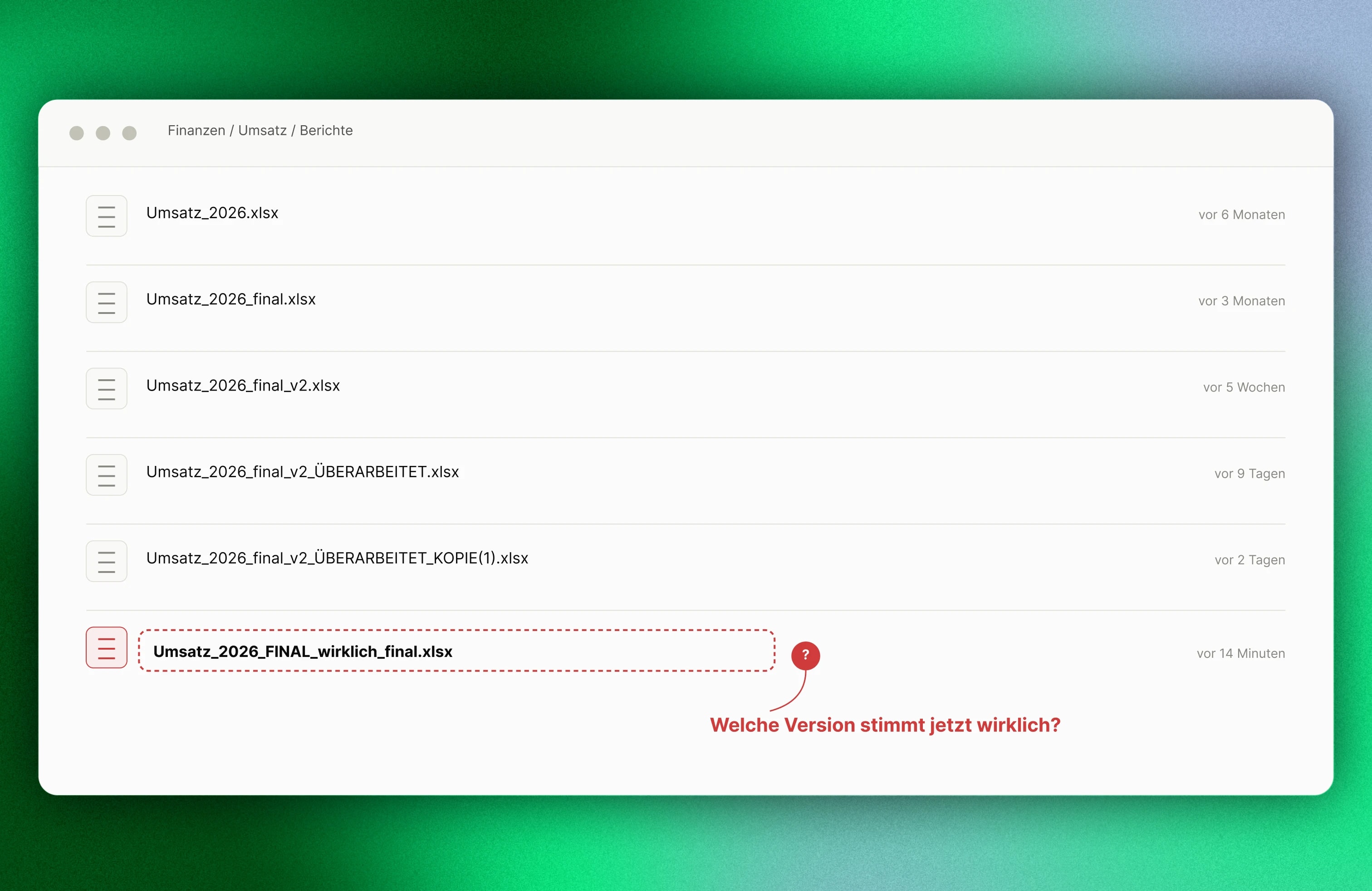
This situation is the rule, not the exception. According to the BARC Planning Survey 24, 76% of surveyed companies still use Excel for planning, alone or combined with other software (BARC, 2024). In the most-cited overview of spreadsheet errors, 94% of the 88 files checked across seven field studies contained at least one error (Panko, “What We Know About Spreadsheet Errors”). Most of these errors never surface, until they do. Usually at the worst moment.
These costs are not static. They grow with the company. The more staff, departments and data sources you add, the more hours go into reconciling, searching and chasing: time that was meant for decisions, not data upkeep. The bill rarely arrives as a single line item. It creeps. A few hours here, a follow-up meeting there, until part of a role is holding spreadsheets together instead of doing the actual work.
The more expensive part only shows when a wrong number slips unnoticed into a real decision. In 2003 the energy company TransAlta lost 24 million US dollars because rows slipped while sorting bid lists in Excel, and high bids landed on the wrong contracts (The Globe and Mail). In JPMorgan’s “London Whale” trading loss, an Excel error in the risk model helped a loss grow past 6 billion US dollars: the model divided by the sum of two values instead of the average (JPMorgan Chase Management Task Force Report, p. 128). Few firms operate at those scales. The principle is the same: a row copied wrong, a stale figure, a reorder based on the wrong version. The effect shows up weeks later in the margin, not at the moment of the error.
Excel does not have to disappear
It should just do again what it is good at: fast exploration, first drafts, a first look at a new dataset. Anything that runs regularly, and that several people rely on, needs a different foundation.
What that means in practice: data flows in automatically from the source systems, instead of being copied by hand. It lives in one place, not in five file versions with similar names. Rights can be granted per row, not per file. When something changes, a notification arrives, instead of someone asking in the corridor whether the numbers are already right.
AI is worth a closer look as well. AI features inside Excel help clean messy data. That is useful in the discovery phase. AI shows its real potential when it works on cleanly structured data in a real database. Then you can ask a question in ordinary language, and the answer comes from the real, current figures, instead of having to find the right spreadsheet first.
How that looked in a Berlin firm is in the tree valuation case study: three office days became two hours, because the data no longer moved by hand.
What we offer
We look at how your company captures data, and we show where AI-supported extraction can automate that. The data lands in structured form in a central database, and a tool such as Lightdash turns it into views you use in the day-to-day.
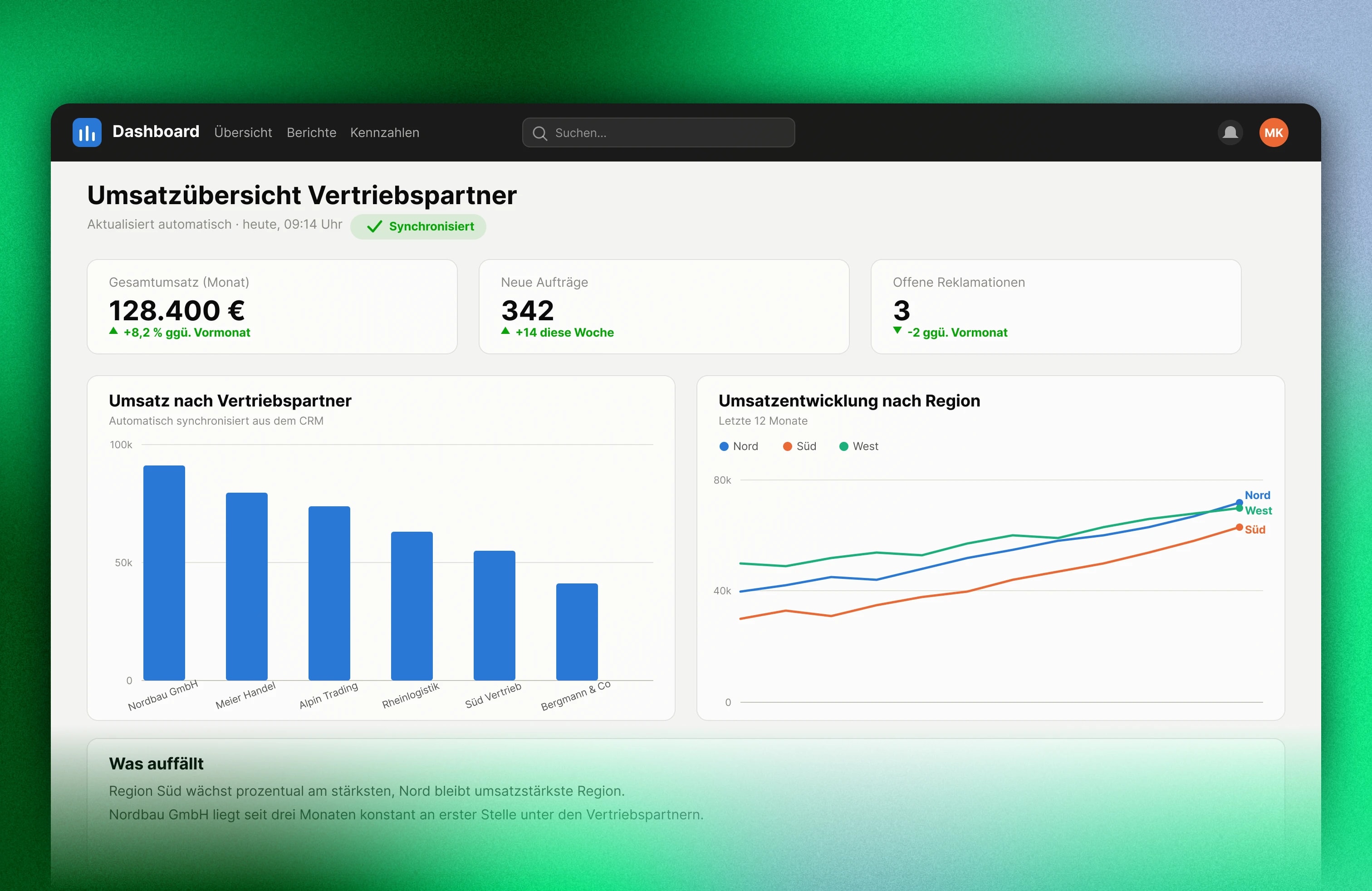
Excel stays for what it was made for: the quick first look. For everything your company relies on every day, there is a better foundation.
A first project that builds trust
It shows what AI can already do in your company. After that we take the open topics, if they make sense. We do not promise what we cannot keep.
Let's talk about your project